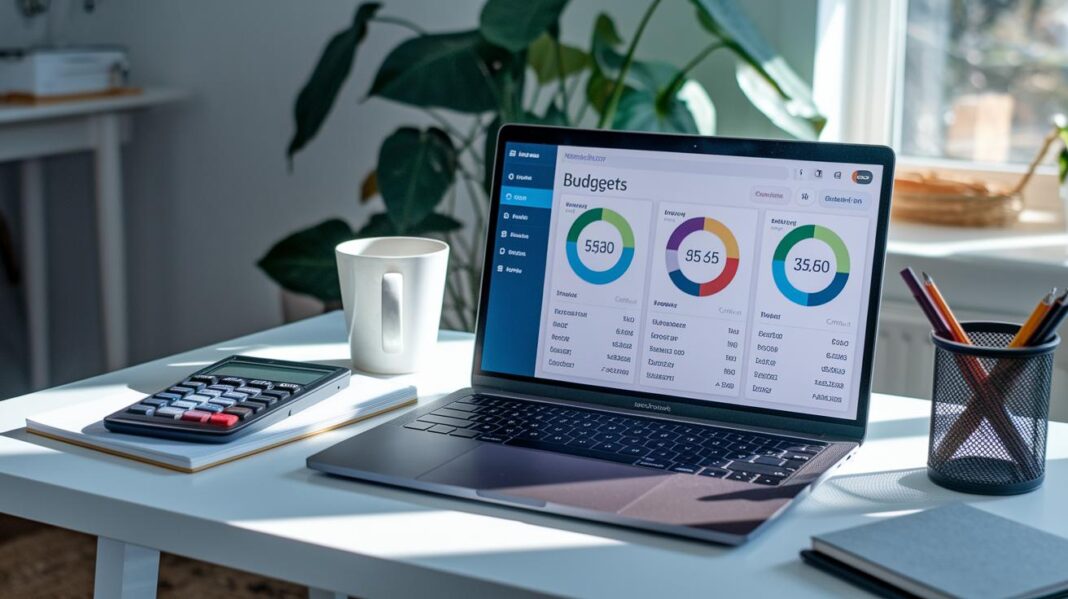
Have you ever felt like your money is just slipping away? Imagine if you could see your cash clearly, like putting coins into little jars labeled for each purpose. This smart tool works like that.
It helps you split your money into easy-to-manage parts, so every bill and expense has its own home. With just a glance, you can check your budget, what you’ve spent, and even your investments in one neat view.
Stick around and see how this tool can help you take control of your finances and feel more confident about your money.
How Personal Financial Management Software Streamlines Budgeting, Expense Tracking, and Investment Planning

Imagine setting up your finances so they almost manage themselves. Personal financial management software makes it easy to build a budget that really fits your real income. It’s like sorting cash into different envelopes for each type of expense. These tools automatically sort your spending and set safe limits, so you get a clear picture of what you can spend without any extra hassle. If you're curious, you might check out some budgeting guides that explain each spending area and show you how it all adds up.
Keeping track of your expenses becomes a breeze, too. This software sorts every dollar you spend into categories and even handles money in different currencies. With handy features like receipt scanning (kind of like taking a photo of your receipt) and real-time updates, you can quickly spot money patterns and adjust your habits. It’s like having a friendly helper who keeps an eye on your spending all day.
When it comes to keeping an eye on your investments, the software is just as smart. It pulls all your accounts into one neat overview so you can see your overall net worth. Many of these tools even include features to plan your bills, making sure regular expenses don’t sneak up on you. This organized approach not only makes it easier to check on your investments but also helps you see where you might grow your money in the future.
Key Features to Evaluate in Personal Financial Management Software

When picking personal budgeting software, having a clear and private design is a big help. The tool should let you sort your expenses quickly and handle split transactions without any fuss. It’s like organizing coins in a jar, you see where every dollar goes. Plus, envelope budgeting lets you match your spending with the cash you really have, and custom report builders give you insights that fit your life.
A solid financial tool also means secure connections with your bank and safe data management. Whether you prefer a cloud setup, a desktop app, or a mobile solution, you need key features like net worth and cash flow reporting, dark mode for comfortable viewing, and syncing that works on all your devices. And when you need to fix an error, an undo/redo history has your back. Switching from an older program like YNAB4? With handy data migration tools, you can do it without any headaches.
- Minimal, privacy-focused interface with easy split transaction handling
- Envelope budgeting that uses your actual cash flow data
- Built-in net worth and cash flow report generator for clear spending insights
- Custom monetary report builder for personalized financial views
- Self-hosted syncing that works across multiple devices
- Banking connectivity through goCardless for EU/UK users or SimpleFIN for US/Canada users
- Import support for QIF, OFX, QFX, CAMT.053, and CSV files for smooth data transfers
- Undo/redo history to make safe changes to your financial records
When you choose software, think about what fits your habits and security needs. If you like keeping your data at home, a desktop app might be best. But if you’re always on the move, a mobile tool could work better. Looking closely at these features can help you enjoy real-time reporting, secure bank links, and a flexible reporting engine that makes managing your budget easy and clear.
Top Personal Financial Management Software Compared on Features, Pricing, and Usability

Finding the right tool to track your expenses and manage your money can make a big difference in your day-to-day budgeting. When you look at the pricing, platforms, and main features, it becomes easier to decide which free budgeting program or finance app fits your way of living. Maybe you need a tool that works in the cloud or one loaded with features you can count on every day. The table below shows how each option stacks up, so you can choose the one that feels right for you.
| Software Name | Price | Platforms | Key Features | Best For |
|---|---|---|---|---|
| Expensify | Freemium/Subscription | Mobile, Cloud | SmartScan, Mileage Tracking, 30-day trial | Freelancers |
| Goodbudget | Freemium | Mobile, Web | Envelope Budgeting, Expense Categorizing | Families |
| PocketGuard | Freemium | Mobile, Web | Safe-to-spend, Budget Limits | Cautious Spenders |
| Wave | Free | Desktop, Mobile, Cloud | Invoicing, Financial Reporting | Freelancers/Small Biz |
| GnuCash | Free | Desktop | Open-source Accounting, Multi-currency | DIY Accountants |
| YNAB | Subscription (34-day trial) | Mobile, Desktop, Cloud | Zero-based Budgeting, Goal Tracking | Proactive Budgeters |
The table above shows a mix of options that can meet different money management needs. Expensify, for example, is great if you need to record expenses as they happen, perfect for freelancers on the go. Goodbudget helps you sort your cash flow using an envelope method, while PocketGuard gives you a clear look at what you can safely spend. If you run a small business or work as a freelancer, Wave offers solid invoicing and financial reporting. And if you like the idea of an open-source tool, GnuCash offers dependable support for multiple currencies. Lastly, YNAB uses a zero-based approach, which can help those who are serious about setting clear money goals.
Each option brings something special to the table. You can pick the simple cloud-based solution or the more detailed tool that guides you every day. Have you ever felt that a small tweak in how you manage money could lead to big savings? This guide is here to help you make the best choice for your financial journey.
Comparing Free vs. Paid Personal Financial Management Software

Free tools like GnuCash, HomeBank, and Firefly III let you track your money without paying anything. They help you manage your spending in a simple way. But they usually don’t include fancy features like smooth bank integrations or dedicated support. If you enjoy a DIY style and don’t mind exploring community add-ons, these options might feel just right. Still, they can fall short when it comes to smart sorting of transactions or deeper reports.
On the other hand, paid apps such as Expensify and YNAB pack in some extra benefits. They come with smart tools that automatically sort your spending, help you set money goals, and even handle some tax tasks. Plus, you get customer support that’s ready to lend a hand, often in an ad-free setting. Sure, the extra cost matters, but the boost in security and convenience might be worth it if you’re after a smoother way to manage your cash.
| Free Options | Paid Options |
|---|---|
| Cost-saving and community-driven updates | Automated tools and premium support |
| Lacks advanced integrations and formal support | Ad-free interfaces and extra advanced features |
Choosing the right tool depends on what you personally need for tracking your money. Think about how much help you want and whether the extra features of a paid app fit your style.
Privacy and Security Measures in Personal Financial Management Software
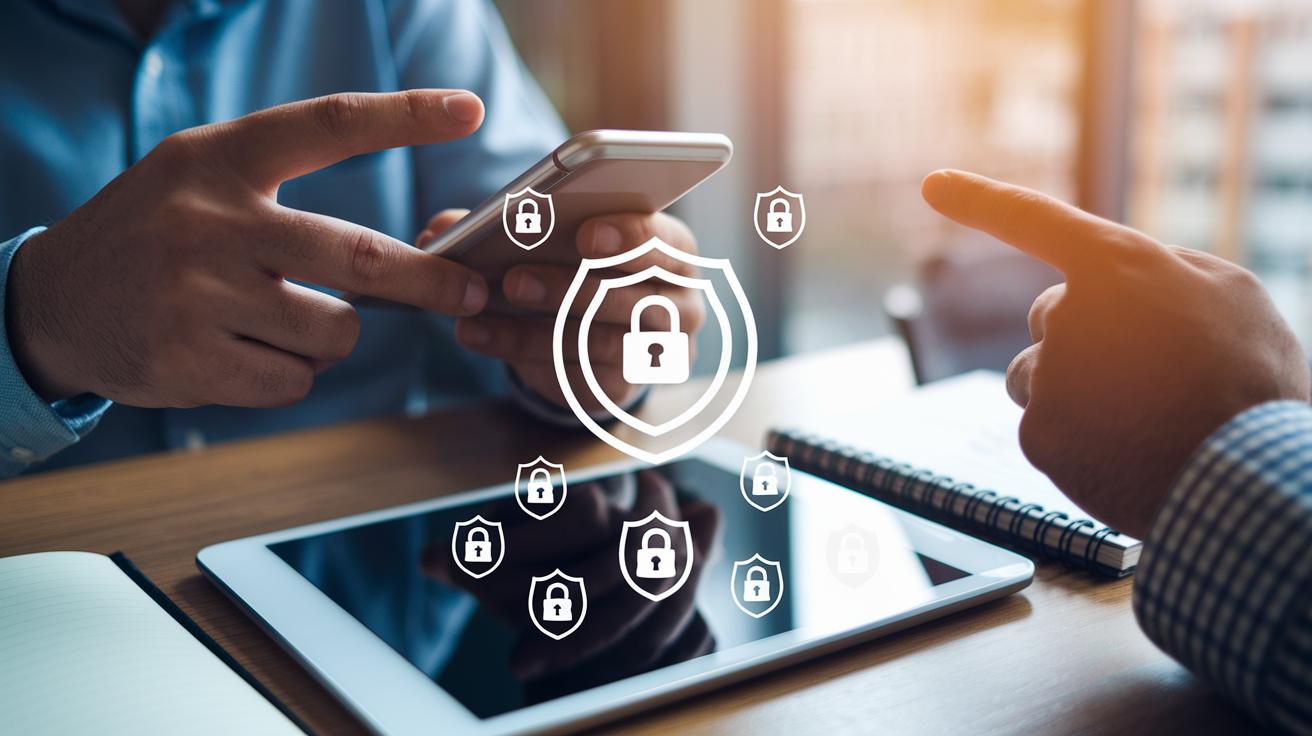
Many of today’s finance apps use tough, built-in locks to keep your money matters safe. They use end-to-end encryption, which means your data is hidden like a secret message from one end to the other, and they store information right on your device first to keep it secure. In many expense apps, protecting your financial details is a top priority. Secure bank links and encrypted connections work like a digital safe, ensuring that from the very start, your transactions are well guarded. Plus, features like an undo/redo trail let you see every change, and strict API key controls keep unwanted access at bay.
- End-to-end encryption secures data both at rest and when it’s moving.
- Local storage means your sensitive info stays on your device first.
- Encrypted bank links help keep your details safe during data transfers.
- Undo/redo trails record every change so you can easily reverse mistakes.
- Controlled API keys restrict who can get to your data.
- Extra layers of encryption can be added for even more protection.
When choosing a funds manager, look for one that focuses on keeping your spending details private and offers clear control over who sees your data. A good tool lets you understand exactly how your information is handled, with regular updates that keep pace with new security techniques. By checking these features early on, you can feel confident that your financial details remain secure while you enjoy an easy-to-use, efficient personal finance system.
How to Select the Right Personal Financial Management Software for Different User Profiles

Different people manage money in different ways. Some beginners like a simple look at their spending, almost like placing cash into separate envelopes. Students often choose free or low-cost tools that remind them when expenses pop up. Retirees look for clear pictures of their net worth and retirement funds. Small businesses want features like invoicing, payroll, and tools that let many users handle expenses. And if you manage your own funds, you might prefer dashboards and report builders that you can tweak to your style.
Follow these five steps to pick the tool that suits you best:
- Assess your needs – Figure out your money goals. Do you like envelope budgeting or spending alerts? Think about what fits your style best.
- Choose your platform – Decide if you need an app on your phone, a desktop version, or a cloud-based tool that you can access anytime.
- Check the security – Make sure the tool uses strong encryption and has features to keep your personal data safe.
- Compare key features – Look for helpful functions, like a clear view of your net worth and reports you can customize.
- Try free trials – Experiment with a few options, like the budget planning apps at https://founder1.com?p=176, to see which one feels just right.
Taking these steps can help you find a tool that is simple, safe, and flexible, perfect for your unique money style. Enjoy the journey to more control over your finances!
Final Words
In the action, this blog post broke down how personal financial management software can simplify daily budgeting, track spending, and boost investment planning. It explored must-have features, compared free and paid options, and highlighted the privacy and security essentials. The guide also offered practical steps to choose the best tool for various needs, making the financial process easier and more transparent.
Remember, smart choices today pave the way for a brighter financial future. Enjoy the newfound clarity and control over your money management.
FAQ
Personal financial management software free, best free personal finance software, and best free accounting software for personal use?
Free personal finance apps provide essential budgeting and expense tracking tools without cost. They help control spending using simple methods like envelope budgeting, though they might lack some advanced features found in paid options.
Best personal financial management software, best online personal finance software, and what is the best software to manage personal finances?
The best personal finance software blends budgeting, expense tracking, and investment oversight to fit your needs. It can be cloud-based or offline, offering features and ease of use that help simplify money management.
Microsoft personal finance software free download?
Microsoft offers a download option for personal finance tools that provide basic budgeting and expense tracking. This free solution is ideal for users preferring an offline app with straightforward design and essential features.
Offline personal finance software?
Offline finance software runs without an internet connection, letting you track spending and manage your budget locally. It offers privacy and control over your data with features like local data encryption and secure storage.
Quicken personal finance software and Quicken financial software?
Quicken is a long-standing solution that delivers robust budgeting, bill tracking, and investment oversight. Its bank syncing and detailed reporting make it a good match for users seeking comprehensive personal finance management tools.
Which is better for personal finances, Quicken or QuickBooks?
Quicken and QuickBooks serve different needs. Quicken is built for personal budgeting and bill tracking while QuickBooks caters to small business accounting with invoicing and payroll, so choose based on your main priorities.
What is the 50 20 30 rule?
The 50-20-30 rule suggests splitting your income into three parts: 50% for necessities, 20% for savings and debt, and 30% for extras. This guideline helps you balance spending and saving effectively.