
Ever wonder why your small business is stuck with endless, tedious record-keeping when that time could help it grow? Imagine if boring tasks like entering invoices and checking taxes became quick, automated steps. Financial software made just for small businesses turns everyday money tasks into simple, smart processes. Picture a cozy bakery or a charming boutique suddenly free to focus on creative ideas and expansion. It’s not just about saving time, it gives you the power to see the bigger picture and grow your business with confidence.
Streamlining Core Processes with Financial Software for Small Business

Financial software for small businesses makes handling bills and payments a breeze. It uses smart technology, like computer programs that help with invoices, online portals for suppliers, and matching purchase orders, to replace tedious manual record-keeping. Think about a local bakery that once spent hours cross-checking invoices by hand. After switching to an automated system, everything gets done in minutes.
This handy tool also makes paying international suppliers and managing taxes much simpler. It lets you add suppliers in different languages, so expanding your business isn’t as overwhelming. Plus, automated tax checks help ensure every deal meets local and global rules, reducing the risk of expensive mistakes. For example, a small import-export company can now process worldwide payments with peace of mind.
On top of that, modern financial software connects with bigger management systems to offer a complete view of your company’s finances. It brings together tools for checking corporate card charges with smart analytics that clearly show your expenses, budgeting, and cash flow tracking. With a customizable setup, you can tailor the features to suit your business, and easy-to-read dashboards provide real-time data from multiple devices. Imagine a small retail chain watching live transaction updates, adjusting its budget, and tracking spending trends effortlessly. This tight integration not only smooths out everyday operations but also helps you make decisions quickly and confidently.
Key Features of Financial Software for Small Business

This software makes handling money matters a breeze for small businesses by putting everything in one simple spot. It helps you stay on top of invoices, expenses, budgets, time tracking, and cash flow so you can spend more time growing your business instead of drowning in paperwork.
- A billing system that lets you create and send invoices, set up recurring bills, take online payments, and send automatic reminders.
- An expense tracker that saves your receipts, organizes your spending, and labels costs for each project so you stay on budget.
- Tools to manage your budget and forecast cash flow by watching spending, estimating future income, and planning growth. These can give you fresh ideas for setting real financial goals.
- A time tracker that links your billable hours directly to client invoices, making sure every minute of work is counted.
- A dashboard that shows live bank transactions, upcoming bills, and money coming in, so you can quickly react when things change.
- A report generator that gives clear insights into profits, taxes, spending trends, and balance sheets with up-to-date data.
AI-powered reports push these features even further. Using smart algorithms, the system turns raw numbers into useful advice with easy-to-read reports that highlight spending trends and spots where you can save money. These dynamic reports help you see the overall health of your finances and understand how daily transactions affect long-term growth. By handling complex calculations and merging data from different sources, the AI makes it simple to find ways to cut costs and boost income. It adapts as your business changes and offers personalized tips for smart financial decisions. In a small business where every cent matters, this clear and custom view is key to building a plan for steady, lasting growth.
Comparing Top Financial Software for Small Business Solutions

When you’re picking an accounting system for your business, it helps to focus on a few key things. Think about how you pay, how bills are tracked automatically, and how safe your data is. Look for software that makes invoicing and paying payroll a breeze. You also want tools that help you check your spending and keep an eye on every cost. It’s really handy when your system grows with you and easily connects with other business tools.
| Software Name | Key Strength | Pricing Range | Best For |
|---|---|---|---|
| QuickBooks Online | Handles payments, invoicing, and payroll | $25-$150/month | Businesses that need full control over payments and payroll |
| Xero | Helps with bank checks, payroll, and bill payments | $20-$70/month | Companies that want simple bank and bill management |
| FreshBooks | Works well with project management tools | $15-$50/month | Service businesses and freelancers |
| Tipalti | Reduces payment mistakes by over half | Custom pricing | Businesses with high volumes of payments |
| Sage 100 | Offers both cloud and on-site setups | Custom pricing | Firms needing a flexible choice in setup |
The table shows that QuickBooks Online is great if you need a strong system to handle payments and payroll. Xero is a good match if you want to keep your bank accounts and bill payments smooth and steady. FreshBooks is perfect for teams that mix project work with keeping their books in check. Tipalti stands out by slashing payment errors and speeding up the whole process for complex bills. And with Sage 100, you get the freedom to choose between cloud access or a more traditional on-site setup. In the end, each service has its unique perks, making it easier for you to pick the right fit for your financial needs and support your business growth.
Pricing and Scalability in Financial Software for Small Business

Small business accounting software often starts at no cost and can go up to about $150 a month. Many offer a free plan that covers the basics like sending invoices and tracking expenses, think of it as a trial run for managing your money without spending a lot upfront.
As your business blossoms, you can upgrade to plans that offer more. The middle plans add handy features like budgeting and forecasting (which means planning your money flow to avoid surprises) and let several team members work together. The top plans take it further with tools like advanced analytics, integration with larger systems, and automatic tax help, making sure you meet tax rules. This setup lets you add more features bit by bit while keeping your costs steady, helping your tools grow right alongside your business.
Integration and Automation in Financial Software for Small Business

Modern financial software is designed to connect easily with other systems. With built-in APIs and pre-made connectors, you can link up your ERP, CRM, and payment gateways without breaking a sweat. It works like a trusty digital helper that gathers and shares your data automatically, kind of like an app that syncs your calendar, contacts, and reminders all at once. This means you skip the tedious manual data entry, keep your records up to date, and free up time to focus on growing your business.
Transactional automation is another game-changer. Imagine systems that instantly match your corporate card charges to the right invoices, or sync your bank details in real time. It’s like having a vigilant watchdog that catches every detail without you having to lift a finger. By connecting your credit cards and bank accounts, these tools dramatically reduce the errors that come from manual data input. You can watch your business transactions line up perfectly, giving you more room to concentrate on the strategies that boost your growth.
Plus, there’s an audit trail recorder that logs every change you make. This handy feature ensures your business stays compliant with all the rules, providing a clear record of when and how your information was updated, almost like maintaining a detailed diary of your financial journey.
Real-World Outcomes from Financial Software for Small Business

Many small business owners have seen life-changing benefits from using financial software that works like a real-time money tracker. This system keeps an eye on how money flows in and out, making it easy to see how well the business is doing. Users have shared that it boosts their productivity by 68% and helps manage 35% more invoices, all without having to hire extra help. Plus, monthly close times drop by a quarter, saving about 10 to 15 hours every month. That extra time lets business owners focus on planning and growing their business instead of getting stuck in the routine of bookkeeping.
The software also works as a clear profit tracker. It shows you what’s happening with your spending, income, and emerging trends in no uncertain terms. For example, clients using systems like Tipalti have cut payment errors by 66% and trimmed their accounts payable workload by 80%. This means the day-to-day operations run more smoothly, and important financial decisions can be made on time.
On top of everything, real-time monitoring increases cash flow accuracy by up to 30%. Each transaction is carefully tracked, reducing the chance for mistakes and giving a reliable picture of your finances. When you know exactly where you stand, you can adjust your strategies quickly and feel more in control of your business.
Criteria for Choosing Financial Software for Small Business
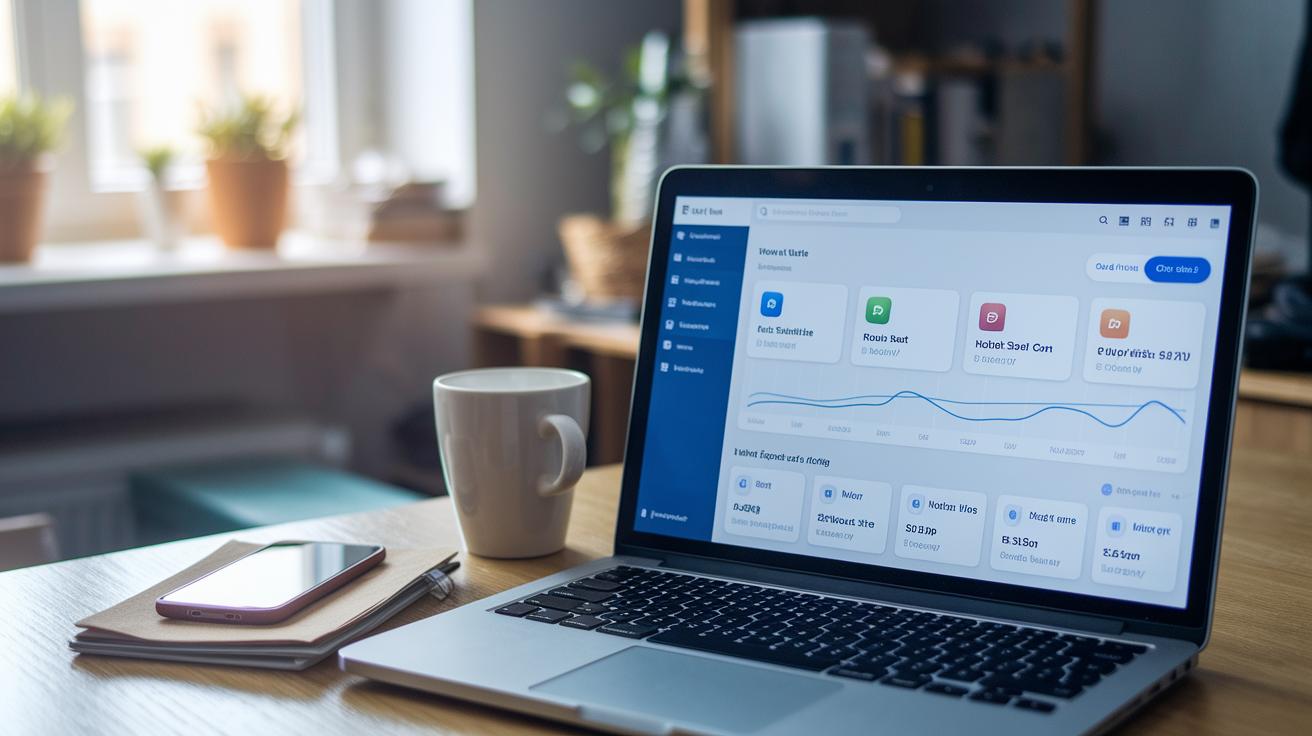
Think of your financial software as a friendly partner that helps you manage your money every day. When you check it out, ask if it’s built for regular folks, not just experts, and if its layout is simple and clear.
A solid tool should feel like a personal finance helper that welcomes anyone, even if accounting isn’t your thing. Make sure it comes with live support or online tips when you have questions. And don’t forget about security! Look for features like data encryption (which scrambles your data so no one else can read it) and two-factor authentication (a double-check to keep your account safe). These extra precautions help you feel secure and build trust over time.
Next, see if the software works well with the other tools you already use. It should let you add more users and extra features easily, growing with your business. Also, check that it offers clear compliance and audit reports, like a simple checklist that helps you get ready for an audit. A good tool even lets you try out budget planning before you dive in completely.
Final Words
In the action, we explored how AP automation and invoice management streamline daily tasks. We touched on global payments, tax compliance, and accessible cloud tools that empower businesses.
Our discussion also highlighted ERP integration and smart analytics that help you make sense of your finances. These insights make it easier to grasp the benefits of financial software for small business.
Embrace these strategies with enthusiasm and optimism, knowing that small, smart changes in your financial toolkit can lead to a robust financial future.
FAQ
What free financial software options are available for small businesses?
The free financial software for small businesses offers basic invoicing, expense tracking, and AP automation. These options help manage daily tasks at minimal cost while reducing manual processing.
What are the top accounting software choices for small businesses?
The top accounting software for small businesses includes solutions like QuickBooks, Xero, and FreshBooks. They provide seamless invoicing, payroll processing, and bank reconciliation to support efficient financial management.
What does offline accounting software for small businesses provide?
The offline accounting software for small businesses runs on your computer without needing constant internet. It offers core bookkeeping features and ensures data privacy while managing everyday financial tasks.
How does payroll integration benefit small business accounting software?
The accounting software with payroll integration simplifies processing employee salaries and tax calculations. It streamlines invoicing and expense tracking, reducing manual errors and boosting overall efficiency.
How does Xero serve as an effective accounting tool for small businesses?
Xero accounting software assists small businesses by offering efficient bank reconciliation, streamlined payroll management, and bill payments through its user-friendly, cloud-based platform for easy access.
Which is a better choice for small businesses, Quicken or QuickBooks?
The choice between Quicken and QuickBooks favors QuickBooks for small businesses, as it delivers robust invoicing, payroll, and expanded accounting features designed specifically for business needs.
How much do QuickBooks services typically cost for a small business?
The cost for QuickBooks usually ranges from basic plans at entry-level prices to advanced options around $150 per month, depending on the features and user support your business requires.