

Have you ever felt that budgeting is just too much hassle? A budget spreadsheet can really flip that feeling. It paints a clear picture of your cash, showing you exactly where you might save a little extra. Instead of guessing where every dollar goes, our tool neatly sorts your income and spending so you can see it all, down to the last detail. Ready to bring a joyful rhythm to your money planning? It’s amazing how simple tracking your cash can really be.
Ready-to-Use Budget Spreadsheet Templates
Budget templates are a smart way to plan your money without guessing. They let you set up your budget quickly by copying a public sheet into Google Sheets or Excel. Just plug in your income, list your expenses, and set your savings goals. The built-in formulas do the rest, so you can see exactly where your money is going. Many of these templates use the 50/30/20 rule (50% for basics, 30% for fun stuff, 20% for savings). They even calculate your remaining balance and spending percentages automatically. Some templates use zero-based budgeting, which means every dollar is given a job from the start.
| Provider | Features |
|---|---|
| Template Central | Uses the 50/30/20 rule and auto-calculates balances |
| Budget Genius | Easily customizable and supports zero-based budgeting |
| Money Master Sheets | Tracks expenses in real time with clear visuals |
| Excel Essentials | User-friendly with built-in formulas for quick setup |
| Google Finance Sheets | Works in the cloud and is easy to navigate |
When you choose between Google Sheets and Excel, think about what works best for you. Google Sheets is handy because it’s cloud-based, so you can work on your budget from anywhere, even on the go. Excel might be your choice if you prefer offline work or are used to desktop tools. Either way, these templates make planning simple and help keep your finances on track.
Budget Spreadsheet: Cheerful Planning for Your Wallet

If you’re looking for an easy way to manage your money, try this budget spreadsheet designed for Excel or Google Sheets. It helps you get a clear view of your income, find spots where you can save, and keep your spending in check. Each tip builds on the one before, so you can always tell where your dollars are headed.
- First, choose a template that suits you, maybe Excel, Google Sheets, Notion, or even a free FTC worksheet.
- Next, add up all your monthly earnings from every source.
- Then, list your expenses by splitting them into fixed costs (like rent or utilities) and variable costs (like dining out or fun activities).
- Decide how often you’ll check your numbers, whether it’s a quick weekly glance or a more detailed monthly review.
- Enter your estimated income and expense amounts into your chosen template.
- Finally, stick to the plan by updating your spreadsheet regularly, just like tending to a small garden.
When it comes to picking a template, think about what feels right for you. If you love a friendly layout and the ease of cloud-based access, Google Sheets could be your best bet. But if you enjoy working with detailed formulas or want to plan without being online, Excel might be more your style. Choosing the right template can make tracking your money feel like a fun and satisfying part of your day, keeping you in control without any stress.
Customizing Your Budget Spreadsheet for Your Goals
Start by making your budget spreadsheet work just for you. Add a few new columns or rename the ones you already have so they match your personal money plan. For instance, instead of a bland "Expense 1," call it "Monthly Rent." You can also mark sections like "Fixed Expenses" and "Variable Expenses." This small change makes tracking your money feel more natural, like sorting coins into your favorite jar.
Next, set up a simple formula to see where you might be overspending or saving a bit extra. Create a "Difference" column that subtracts your actual spending from what you planned. Imagine you planned $500 for groceries, but you only spent $450; your sheet will show a +$50 difference. This clear snapshot helps you know if your spending is on track or if you need a little adjustment.
Finally, let your spreadsheet grow with you by updating your budgeting categories as your goals change. You might add a new tab for subscriptions or separate out fixed costs from ones that change each month. Doing this regularly turns your budget into a personal roadmap, making sure every dollar is given a purpose.
Using a Budget Spreadsheet to Track Income and Expenses
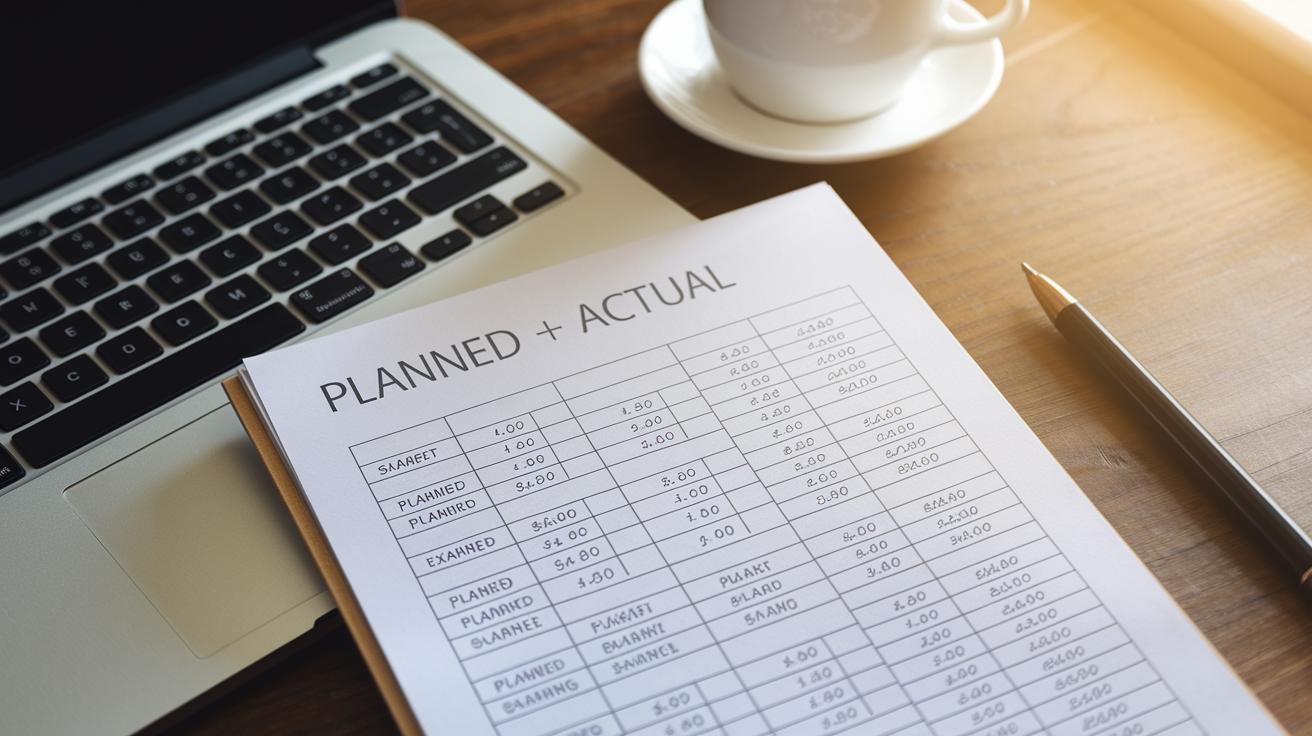
Set up your spreadsheet by making two groups of rows: one for what you planned to earn or spend and one for what really happened. For instance, if you budget $500 for groceries, write that down and later update it with the actual cost, maybe $450. This side-by-side view makes it super easy to see where you stand.
Next, add a column that shows the difference by subtracting what you actually spent from what you planned. So, if you set aside $500 but only spent $450, that column will show a positive $50, meaning you saved a bit extra. You can also include fields that show the percentage that each category takes up from your total expenses; for example, groceries might be 20% of your spending. Start with a setup that looks like "Plan: $500, Actual: $450, Difference: $50" so you always know when it’s time to adjust things.
Maintaining Your Budget Spreadsheet with Monthly and Weekly Reviews
We’ve now moved this advice over to the "Budget Spreadsheet: Cheerful Planning for Your Wallet" section so you get all the tips in one friendly spot. There, you'll find advice on entering your transactions weekly, checking your spending categories each month, updating income and expense changes, and making sure your past sheets are backed up.
Advanced Budget Spreadsheet Features and Optimization Tips

Conditional formatting and charts can really bring your budget spreadsheet to life. Imagine if any time you overspend, the cell lights up in red – it’s like your spreadsheet giving you a gentle nudge. And when you add a chart, you instantly see how your spending trends change over time. It’s a handy way to spot where you might need to adjust your habits.
Pivot tables along with SUMIF or SUMIFS formulas add a cool layer of power to your sheet. Pivot tables let you group expenses by category, like sorting coins into different jars every few months. Meanwhile, SUMIF and SUMIFS help gather totals only when certain conditions are met. Together, these tools turn your spreadsheet into a guide that shows clear spending patterns.
Linking multiple sheets or syncing your data with budgeting apps can take the hassle out of tracking your money. While a spreadsheet gives you fine control, automatic updates from apps keep your transactions current in real time. This blend makes planning smoother and even alerts you when spending habits start to shift.
Final Words
In the action, we saw how ready-to-use budgeting templates cut down on setup time and streamline your spending plans. The article explained setting up a budget spreadsheet using both Excel and Google Sheets, customizing it to fit your personal needs, and tracking income and expenses to spot trends. Regular reviews keep your spending in check, while advanced features can elevate your financial game.
Small changes add up. Keep experimenting and enjoy the benefits this budget spreadsheet brings to your daily finances.
FAQ
Where can I find free budget spreadsheet templates for Excel and Google Sheets?
Free budget spreadsheets are available on platforms like Etsy, Google Sheets, and many financial blogs offering downloadable Excel files. These templates include fields for income, expenses, and even the 50/20/30 rule.
What does the 50/20/30 budget rule mean?
The 50/20/30 rule means dividing your income into 50% for essentials, 30% for non-essentials, and 20% for savings. It helps you balance spending and saving in a simple way.
What are some of the best free budget spreadsheet options available in Excel?
Many free Excel budget spreadsheets offer automatic calculations, customizable fields, and built-in formulas. They simplify tracking monthly expenses and support budgeting methods like zero-based planning.
How do I make a budget spreadsheet?
Making a budget spreadsheet involves choosing a template, listing your incomes and expenses, categorizing your spending, and using formulas to calculate differences between planned and actual amounts.