
Do you feel like your money disappears before you can even keep track? It’s as if cash slips away, leaving you wondering exactly where it went. Now, picture a tool that quickly sorts your spending, almost like dropping coins into a familiar jar.
This article looks at the best apps for tracking expenses. They help you see your spending clearly while making budgeting feel natural and easy. With simple, smart features designed to help you manage your money, these tools do more than just crunch numbers, they let you take control of your cash like a trusted friend guiding you along the way.
Top-Rated Expense Tracking Apps of 2026
-
Spendee
Spendee is a friendly tool that makes tracking your spending feel as simple as sorting coins into a jar you know well. Its easy-to-use design and customizable wallets help you see your money at a glance. Plus, its built-in features let you share budget details with others and keep everything in sync across your devices. -
YNAB (You Need A Budget)
YNAB is a great app if you want to set clear spending goals and plan how to pay off debts. It’s user-friendly and even lets you share budget plans with friends or family members. If you’re ready for a bit of extra help, the subscription is about $14.99 a month, a small price for helping you stay on track. -
EveryDollar
EveryDollar is known for its simple and effective way to manage your money. You can start with a free basic plan that covers all the essentials. And if you like a bit more detail, the premium option is available for $17.99 a month after a 14-day trial. -
Expensify
Expensify makes keeping track of receipts and expenses easy. Its handy DocScan feature lets you quickly snap pictures of receipts, so you never miss a detail. Keep in mind that the free plan allows for up to five scans a month, with more robust options available under business plans. -
Rocket Money
Rocket Money takes the hassle out of managing subscriptions. It can help you cancel services you no longer need and even work to get your bills lowered. You can try out the free version first, and if you like the extra features, the premium plan costs only $2.99 a month. -
Monarch
Monarch is especially suited for couples or financial advisors who manage money as a team. Its dashboard combines all your accounts into one clear view, making it easier to stick to a budget together. It’s a solid choice if you prefer a shared financial overview. -
PocketGuard
PocketGuard brings everything together with its “In My Pocket” feature, which highlights the extra cash you have after your bills and savings. This clear look at daily funds makes it perfect for anyone managing day-to-day expenses.
Expense Tracking App Features Compared
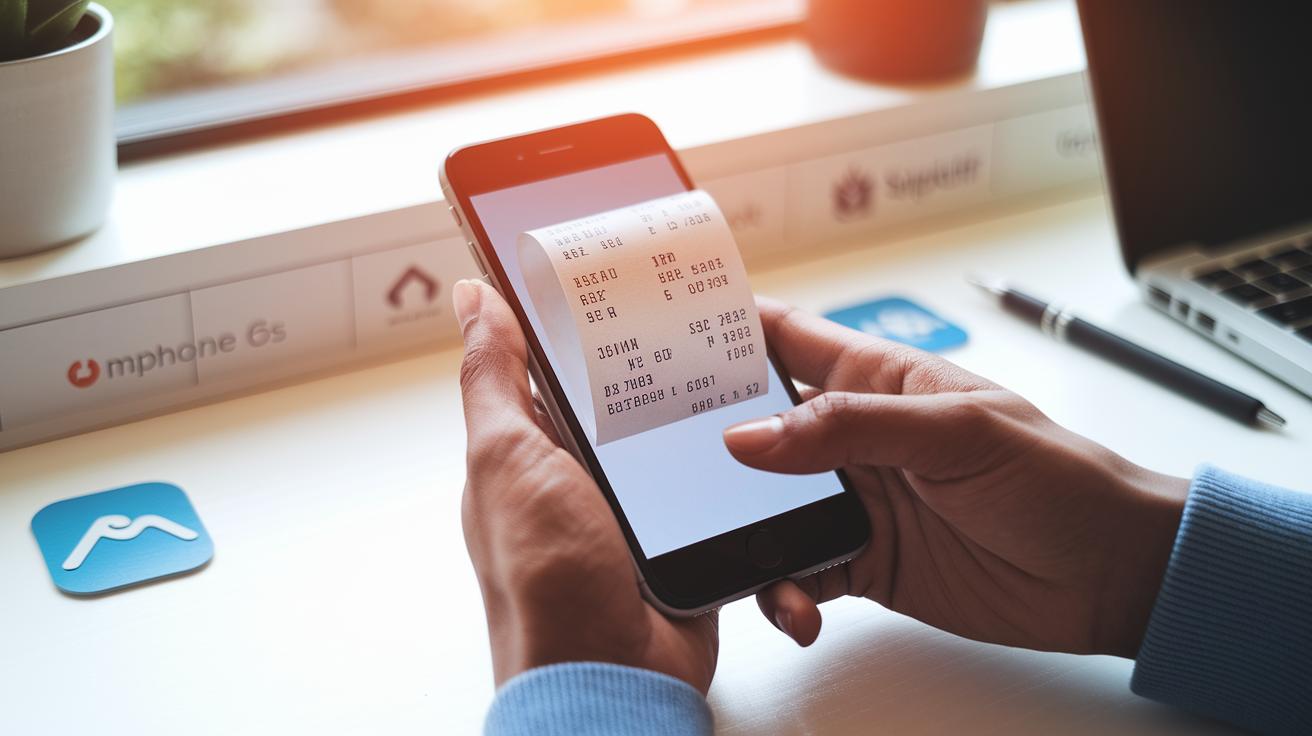
Have you ever taken a quick snap of a receipt and wished all the details could magically fall into place? Expensify’s DocScan OCR does just that. It grabs the info from your receipt photo and organizes it in a flash. If you enjoy a more hands-on approach, Monefy lets you enter details manually. Meanwhile, Simplifi saves you time by automatically sorting expenses right after you pay.
Budgeting tools are a big deal too. Goodbudget uses a simple envelope system that’s like filling up little jars with cash for different needs. AndroMoney sets budget limits and sends friendly alerts if you go over, almost like a gentle reminder from a buddy. If you’re planning for that upcoming purchase, YNAB helps you track your goals by preparing for future expenses.
When it comes to watching your spending, Spendee has interactive dashboards that make it easy to spot trends. It’s like having a clear window into your spending habits. Rocket Money goes one step further by breaking down vendor spend, showing exactly where your money is going.
And if you like to manage funds with others, some apps have you covered. Monarch offers shared wallets that are perfect for couples or teams, letting everyone see what’s happening. Business-focused apps often include approval workflows for multiple users, keeping the whole process smooth and clear.
Pricing & Subscription Models for Expense Trackers
When you're looking for a budget-friendly way to control your spending, think about how each app's pricing fits with your savings goals over time. Instead of just listing costs and features, take a closer look at how these expense management tools match your long-term money habits. For example, many users have shared that moving from a free plan to a paid one not only cut down on manual errors but also boosted their monthly savings by about 10%.
Free versions give you a chance to try things out, while paid subscriptions often add smart features that help you keep better track of your spending. Take YNAB's option for multiple users, it can make shared budgeting feel like a team effort. Or consider Rocket Money's auto-bill negotiation, which can help lower your monthly bills.
| App | Free Option | Premium Cost | Impact on Budgeting |
|---|---|---|---|
| EveryDollar | Free basic system | $17.99/mo after trial | Great for those who like a simple approach; premium features add helpful automation. |
| YNAB | Trial available | $14.99/mo or $99/yr | Perfect for team budgeting, which can really tighten up your spending. |
| Expensify | Up to 5 scans/mo | Starts at $4.99/user/mo | Keeps detailed records that help you stick to your long-term goals. |
| Rocket Money | Free plan | $2.99/mo | Features like auto-negotiation can lower bills and build your savings. |
| Spendee | Free tier | $2.99/mo (yearly billed) | Makes it easy to track different expenses; premium adds a bit more detail. |
| PocketGuard | Basic version | $3.99/mo or $34.99/yr for Plus | A simple, low-cost option to help you avoid overspending. |
Free plans can be ideal if you like taking a hands-on approach, while paid plans often save you time with smart automation. Before you decide, think about whether those extra premium features truly help you reach your long-term saving goals.
Device Compatibility & Cross-Platform Sync

Keeping your money details handy is so important. Spendee, Simplifi, and PocketGuard work on iOS, Android, and the web. You can check your progress whether you’re on your phone or computer. It’s like tapping through your expenses on the go and then looking at them on your desktop later. Really, it’s like having your own finance buddy with you wherever you are.
YNAB takes it one step further by supporting Windows, macOS, iOS, Android, plus a handy browser extension. This extra reach makes it perfect if you switch between devices during the day. And then there’s Expensify – it works on iOS, Android, Mac, and Windows, so your expense reports and receipt photos are always up-to-date.
Goodbudget offers a web-based method along with iOS and Android apps and even works offline. It’s a dependable companion for organizing your costs, no matter where you are, even if there’s no Internet for a bit.
Regular syncing helps keep your info fresh and makes handling your finances simple, no matter which device you pick.
User Reviews & Expert Ratings for Expense Tracking Apps
People everywhere chat about the good and not-so-good sides of today’s favorite expense tracking apps. For example, Spendee gets a lot of love on Reddit thanks to its smooth design and the way it lets you tweak your wallets just the way you like them. One happy user even said, "Spendee feels like your personal finance sidekick," and that tells you all about its fun, friendly money-tracking style.
YNAB is another favorite that some folks call life-changing, even if it costs a bit more. Many couples love its special features designed just for managing money together. Then there’s EveryDollar, which is really easy to get started with, though a few people think its free version could use more budgeting categories.
Expensify stands out for its sharp scanning tools, even though a few users wish the support was a bit faster. Rocket Money also gets a nod for automatically cutting bills, though some mention there’s an extra fee if you want those extra negotiation perks. And apps like AndroMoney and Money Manager & Expenses impress with their alert systems and clear, tidy layouts that keep ads out of the way while you stay on top of your spending.
How to Choose the Best Expense Tracking App for Your Needs

Start by thinking about what your budget looks like. Do you need an app that simply tracks everyday spending, or one that can handle different currencies and even envelope budgets? If you work with multiple currencies, look for an app that supports them. It’s like upgrading from a small coin jar to a full cash register.
Next, consider how much help you want from your app. Some apps can link directly to your bank and even snap a picture of your receipt to record expenses for you, making things super quick. Others might let you enter details yourself if you prefer a more hands-on approach. Imagine taking a receipt photo and seeing all the details pop up automatically.
Then, think about who will use the app. Are you tracking your expenses on your own, with a partner, or with a small team? If you’re budgeting as a couple or a family, shared views and simple approval steps can be very useful. For business expenses, you might need extra features like solid export options and clear breakdowns of vendor spending.
Also, check out the reporting features. A good app will offer easy-to-read charts that show your spending trends, giving you a clear picture of where your money goes. Make sure it is simple to use and doesn’t take too much time to set up or maintain.
If you need a bit more help, look for reviews on personal budgeting apps or try a budget planner template. Matching the app’s features to your needs will help you find a tool that truly works for you.
Final Words
In the action, we broke down top-rated expense tracking apps from their standout features, pricing plans, and multi-device support to real user feedback. We shared how these apps help simplify budgeting, manage subscriptions, and provide detailed spending insights. The guide gives clear pointers on matching personal needs with the right tool. Each section offers bite-sized insights to help you make smart, confident decisions when picking what could be the best expense tracking app. Here's to making financial management easier and more enjoyable!
FAQ
Q: Best expense tracking app free, including iOS options and keeping track of bills?
A: The best free expense tracking app offers basic budgeting and receipt scanning without a fee. EveryDollar’s free plan and Expensify’s free tier with limited scans help you keep your bills in check effortlessly.
Q: Best expense tracking app according to Reddit feedback?
A: The best expense tracking app as highlighted on Reddit is Spendee. Users love its easy-to-use design and customizable wallets that make managing your money feel simple and clear.
Q: Best expense tracking app for small business, business use, or self-employed professionals?
A: The best app for small businesses and self-employed folks combines receipt scanning with smart reporting. Options like Expensify and Rocket Money help you manage shared expenses and keep finances transparent.
Q: Best expense tracking app for iOS users?
A: The best expense tracking app for iOS users delivers a smooth mobile experience. Apps like Spendee and YNAB offer intuitive interfaces and real-time syncing to keep your iPhone budgeting on track.
Q: Best expense tracking app for couples?
A: The best expense tracking app for couples syncs shared finances neatly. Monarch, for example, brings together all accounts into a single dashboard designed to help partners keep their money matters organized.
Q: Which is the best expense tracker overall?
A: The best expense tracker varies by need, but top picks like Spendee, YNAB, and EveryDollar consistently deliver user-friendly tools and flexible budgeting features to suit different lifestyles.
Q: Is Expensify really free?
A: Expensify does offer a free plan that allows up to five receipt scans per month. For more frequent use and advanced features, you’ll need to explore one of their paid subscription plans.
Q: What’s better, Emma or Plum?
A: Emma centers on straightforward budgeting and expense tracking, while Plum leans more towards saving and automated micro-investments. Your choice depends on whether you need simple expense control or a focus on building savings.